Skip to content

CV Builder

Build, edit and present your CV in one place.

Start with an existing CV, import details where available, or create one from guided sections. Then edit the content, preview changes, save versions and choose a presentation that fits the role.
Trade and career-path styles

Presentation choices

Choose from 10 trade and career-path styles, 40 layouts and 50 colour themes, creating more than 20,000 presentation choices. The 40 layouts include 20 Scanner-safe layouts and 20 visual layouts.

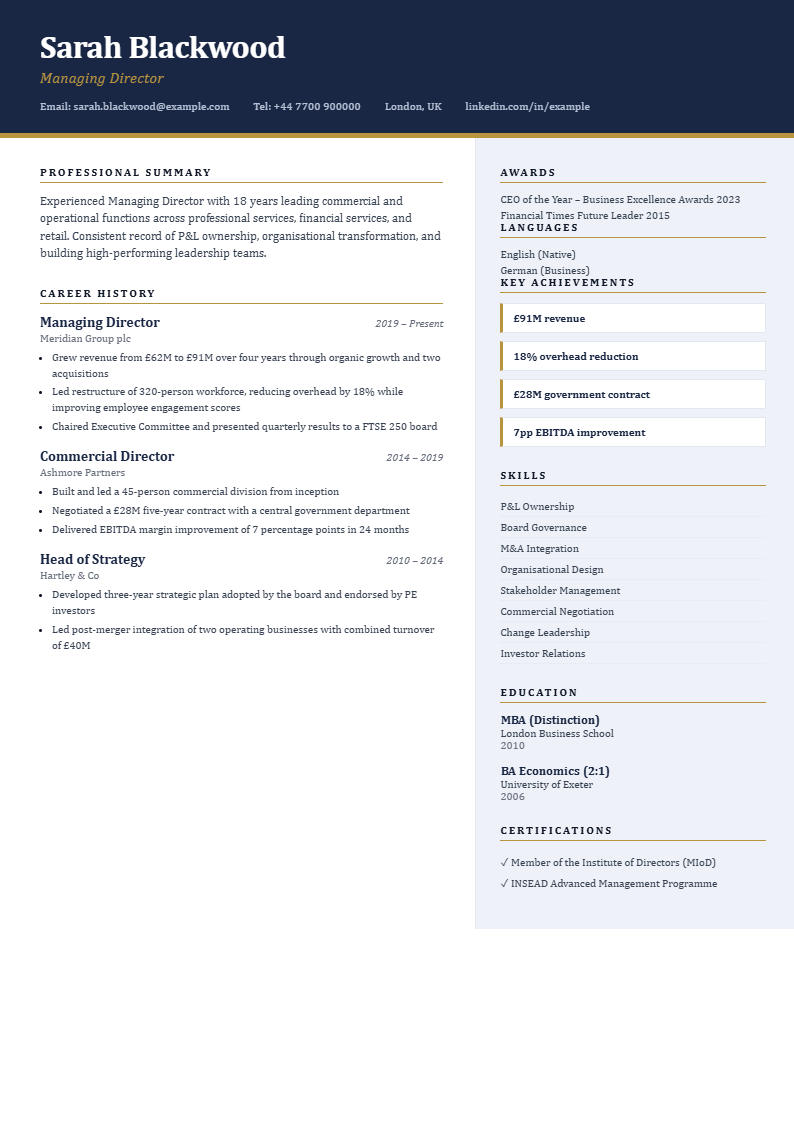
Sample Corporate Executive CV with a navy and gold banner header
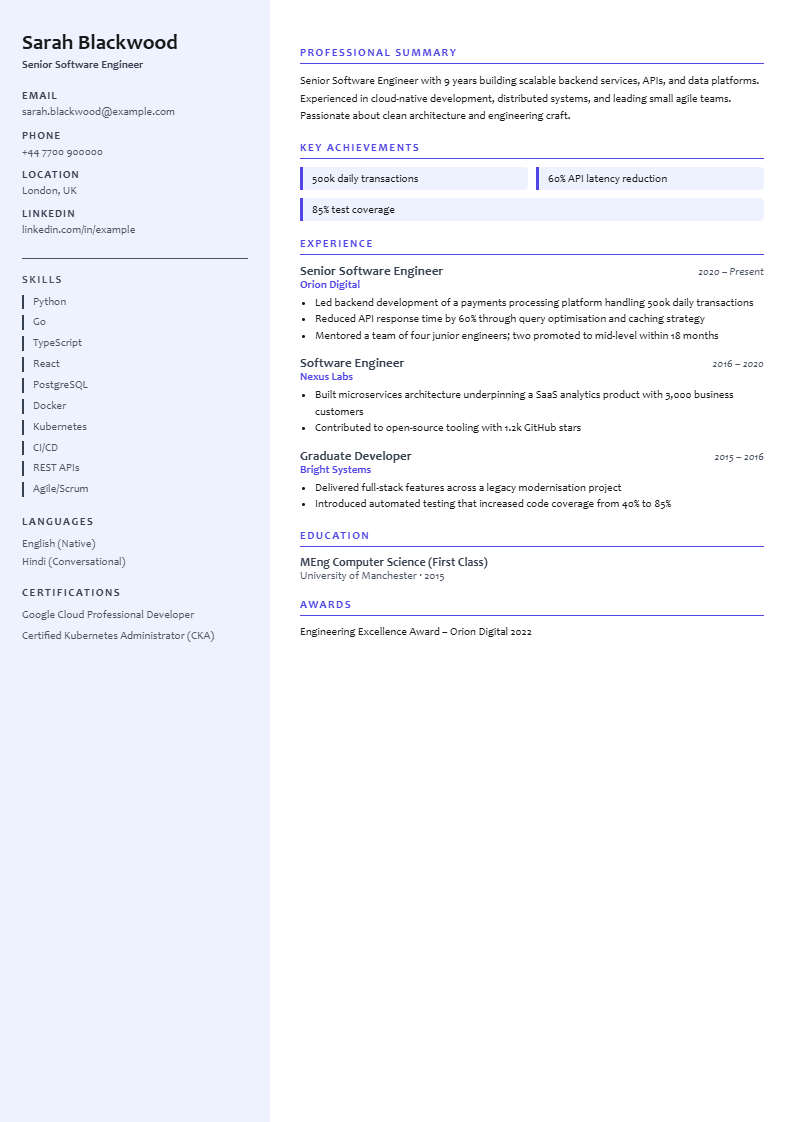
Sample Technology CV with a pale sidebar for contact details and skills
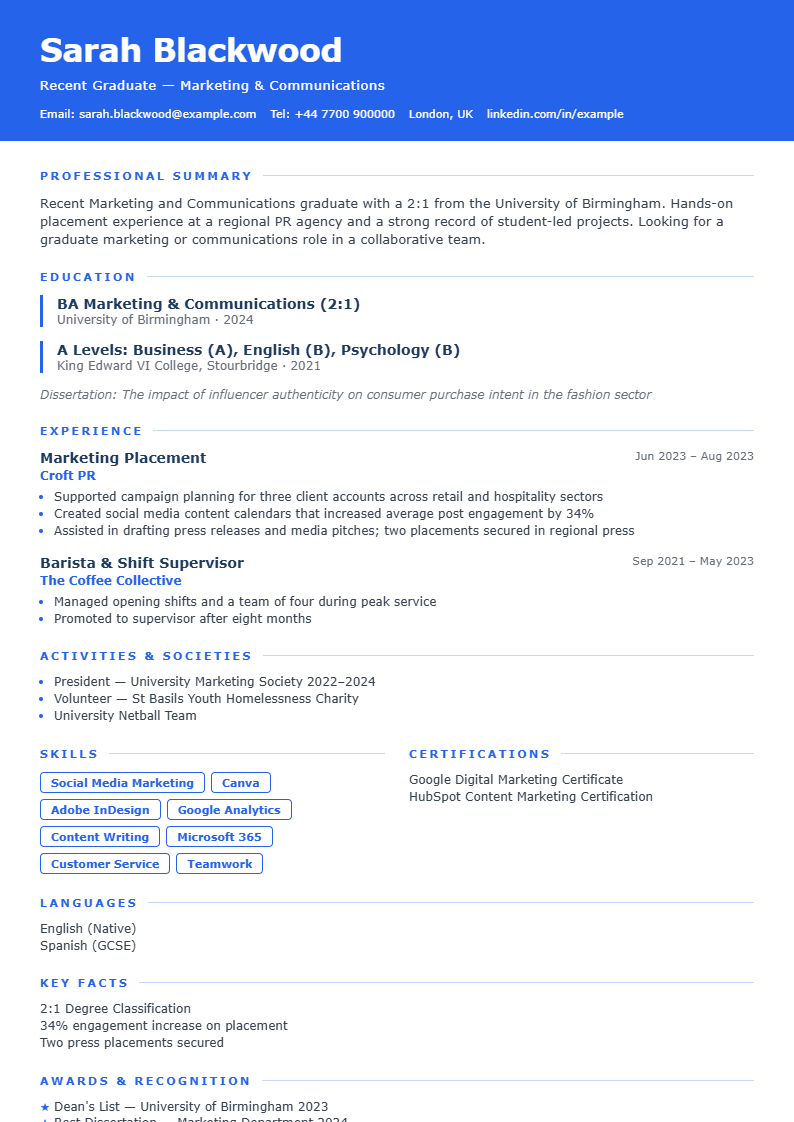
Sample Graduate CV in a plain single-column layout
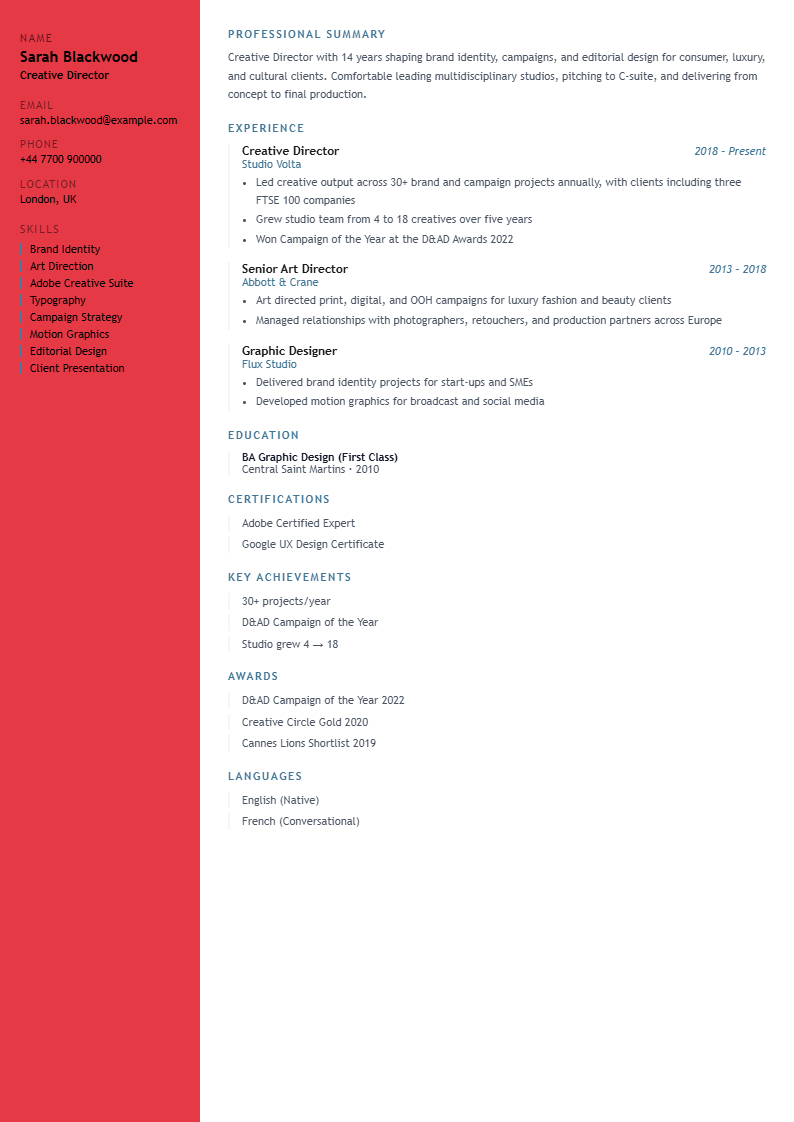
Sample Creative and Artist CV with bold red and blue colour blocks
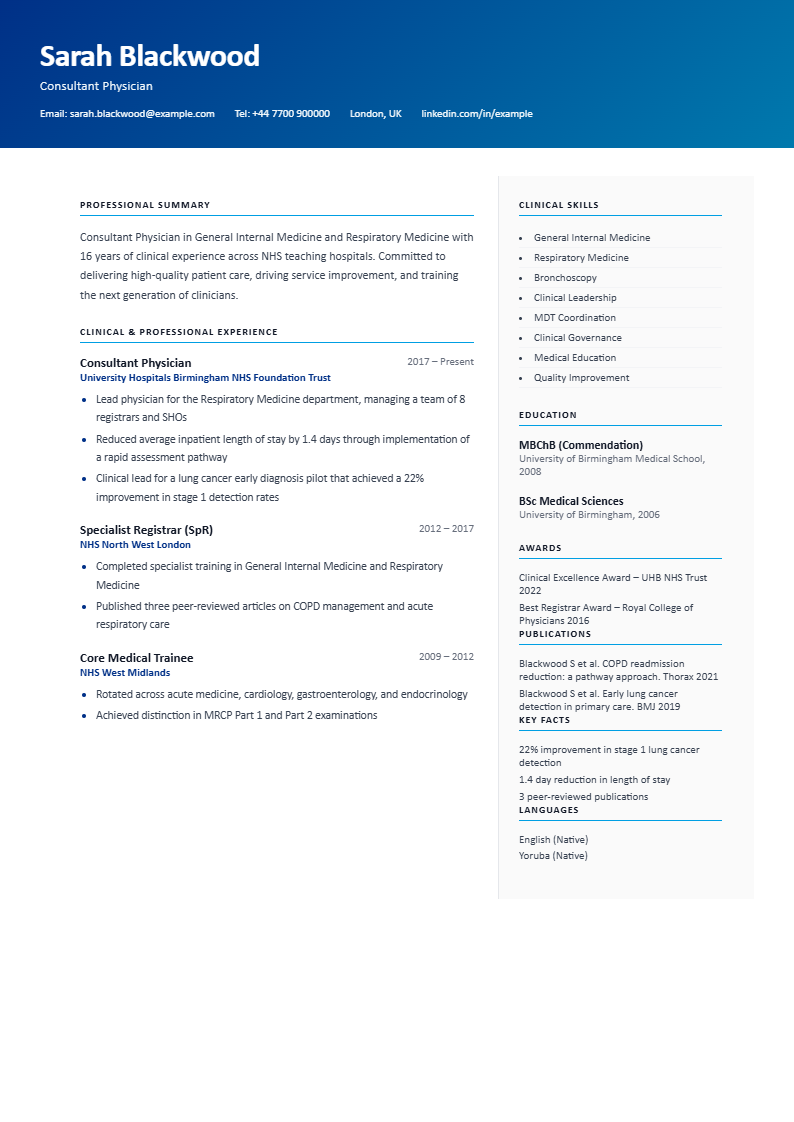
Sample Healthcare and Medical CV with a blue banner header
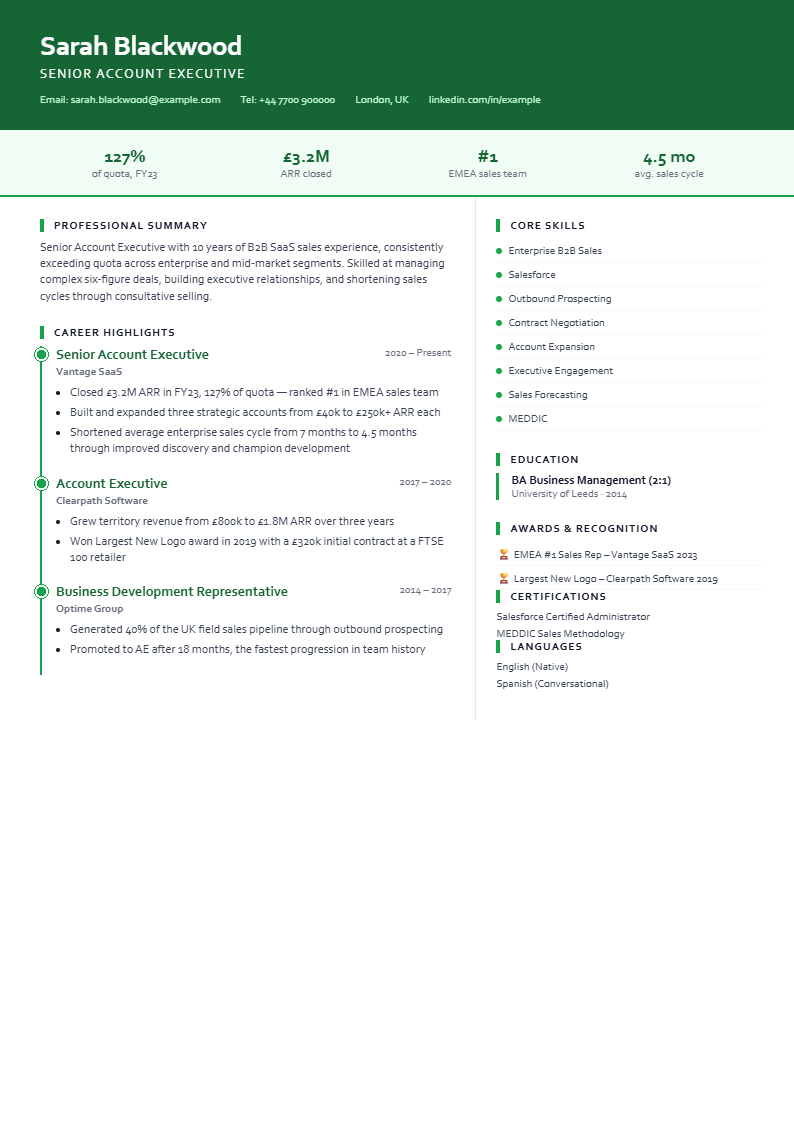
Sample Sales and Business Development CV with a green timeline of roles
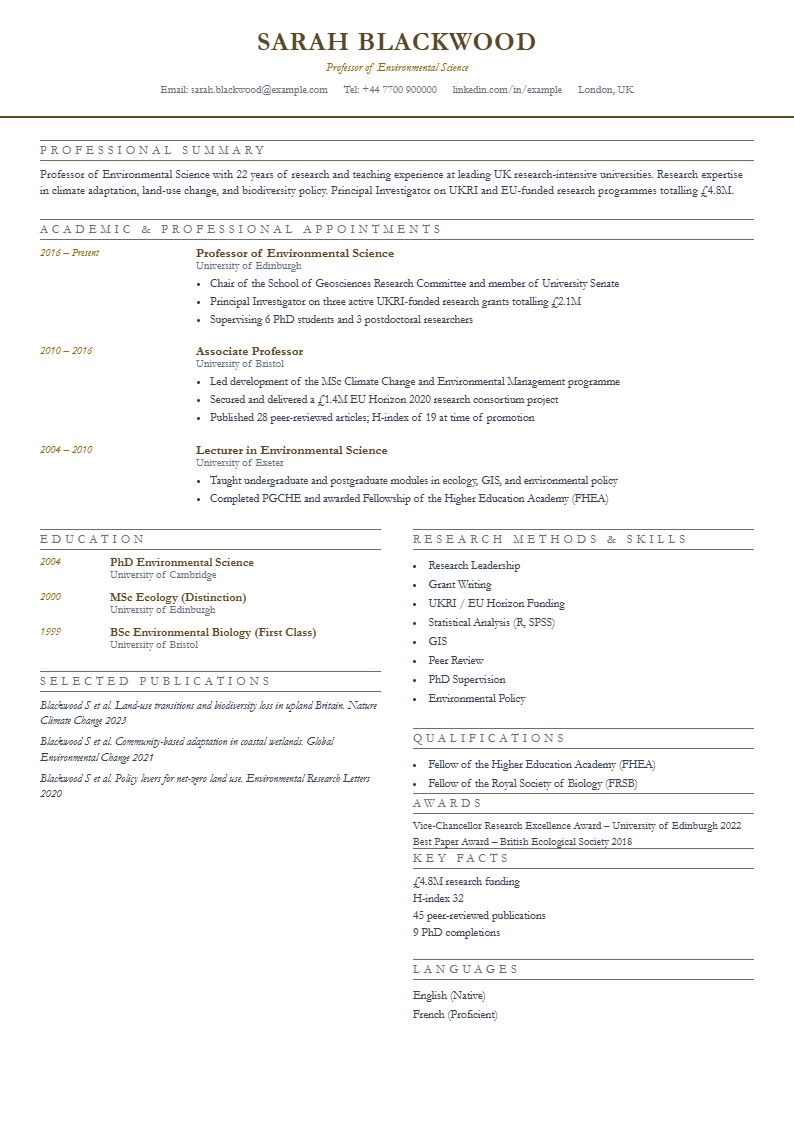
Sample Academic and Research CV in a formal serif layout
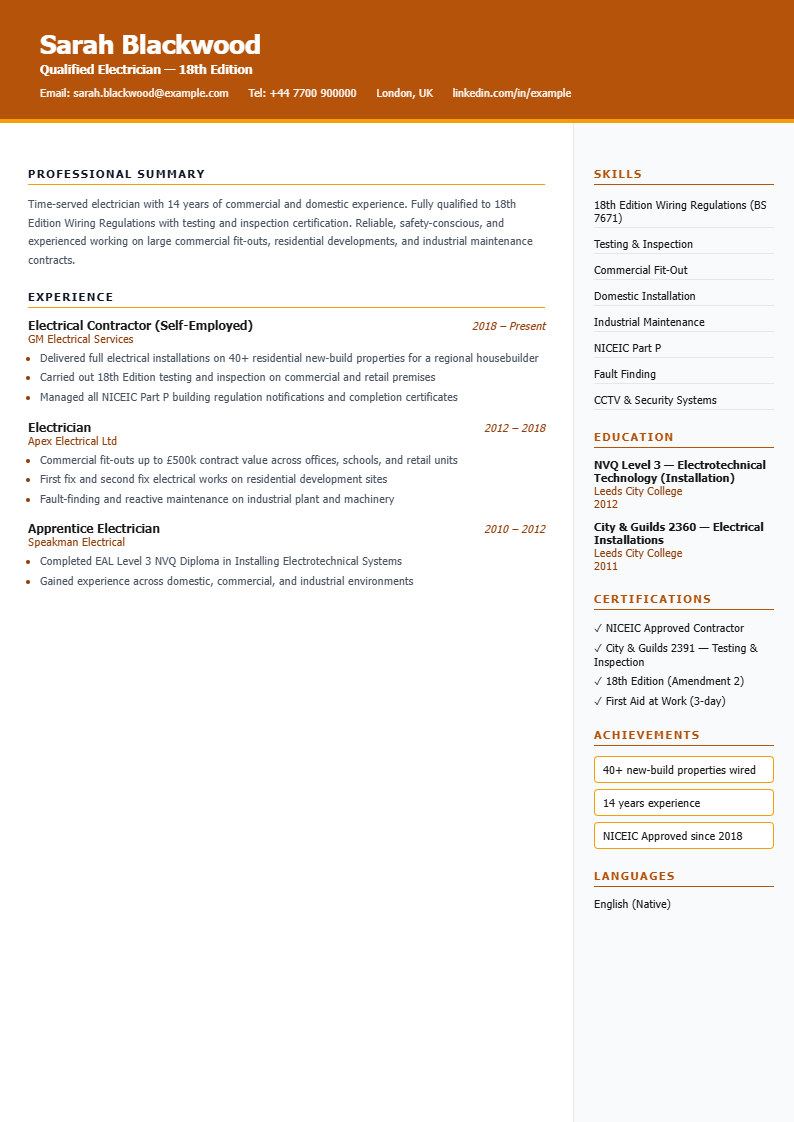
Sample Trades and Construction CV with an orange header and two columns
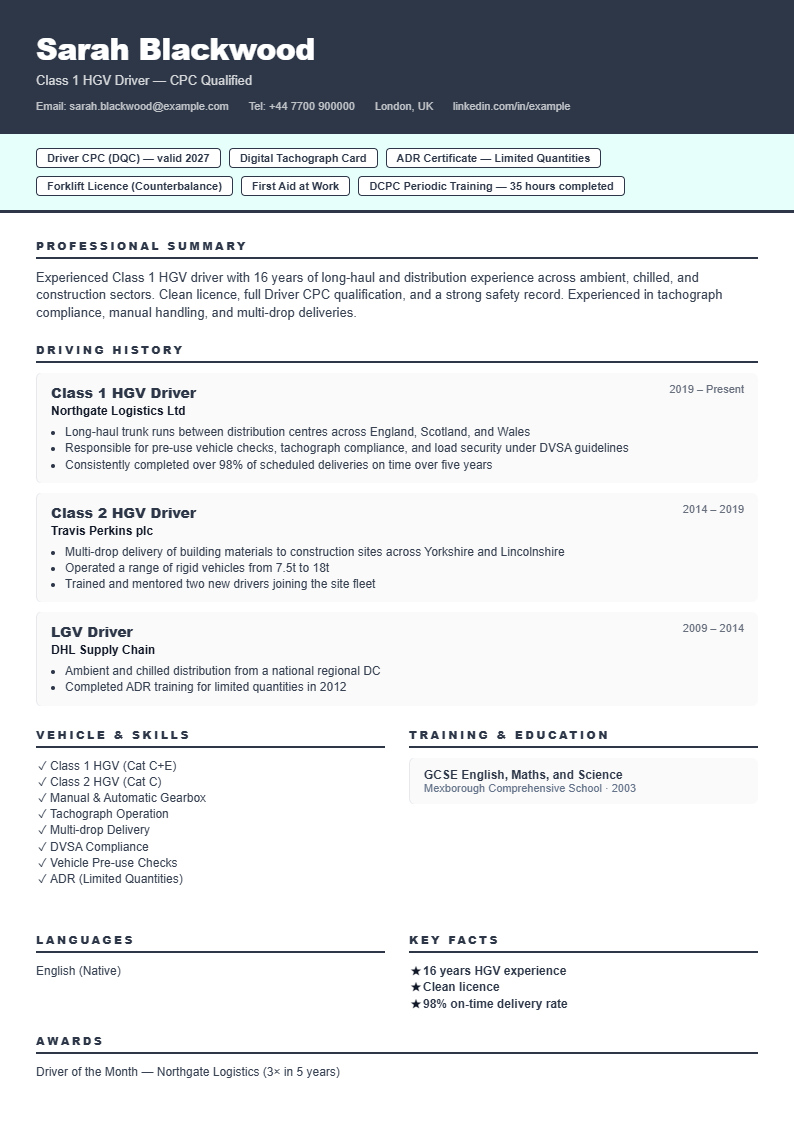
Sample Driver and Logistics CV with boxed sections
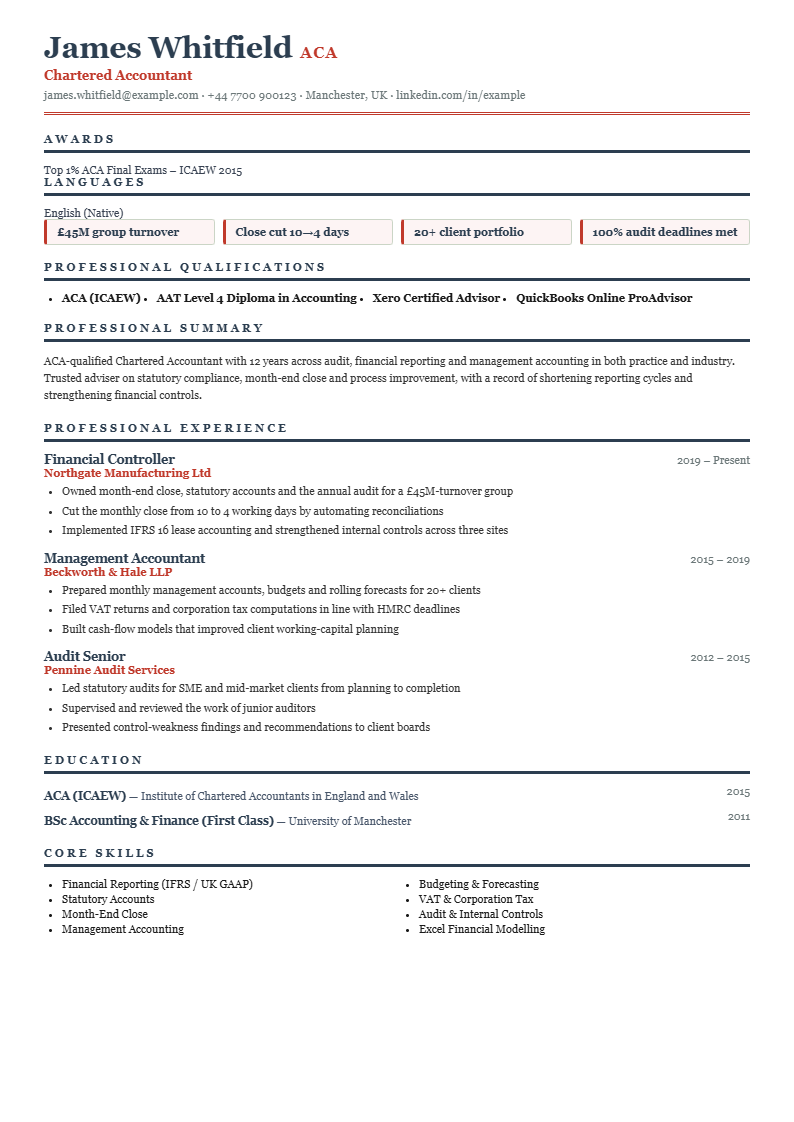
Sample Finance and Accounting CV with a dark header and red accents

Start with what you have

  • Create from guided sections
  • Import PDF, Word, text, RTF and LibreOffice CV files
  • Import from Dropbox, Google Drive and OneDrive where configured
  • Import LinkedIn data where available

Edit and manage versions

  • Live editing and preview
  • Save, load, rename and delete CVs
  • Edit personal details, links, summary, experience and education
  • Add achievements, awards, publications and portfolio links

Skills, certificates and memberships

Add skills, certifications and professional memberships from built-in lists, so your CV is easier to complete and keeps a consistent structure.

Download rule

On Free you can download a watermarked PDF. Clean downloads come with CV Builder Pro, CV Pass or the downloads bolt-on. Export options include PDF, Word, plain text and LibreOffice files.

Scanner-safe layouts

Some employers use software to scan CVs before a person reviews them. Simpler layouts can help that software read your CV more easily.

Visual layouts

Visual layouts bring more design flair. They are useful for direct emails, creative projects or when a person reviews the file first.

Launch notice

Jobfuse is getting ready to launch.

Send us a quick email and we will tell you when the site is ready.

Get notified at launch